Gym Software Guide 2027
The 6 best gym management software platforms for cheer gyms.
- 6platforms compared
- 5handle tryouts or evaluations
- 4start under $80/month
Running an All Star cheer gym means juggling tuition, competition fees, rec tumbling classes, private lessons, waivers, uniforms and a nonstop stream of parent questions. The right gym management software keeps all of it in one place, so owners and coaches can spend less time on spreadsheets and more time on the floor.
Plenty of class and fitness software claims to work for any gym. This guide only includes platforms that offer a dedicated cheer version or were built for All Star cheer gyms, so every pick understands teams, tryouts, competition fees and cheer parents.
Cheer Daily compared 6 cheer-specific options to find the best gym management software for cheer gyms in 2027, looking at published pricing, parent-facing tools, billing, tryouts and how well each one fits the way cheer programs actually run.
Disclosure: Some companies featured in Cheer Daily's software coverage may purchase advertising or sponsored placements. Inclusion does not constitute an endorsement. Prices were checked on each company's official website in November 2026 and may change.
Shop by
Showing all 6 platforms
iClassPro
iClassPro
Best for All Star cheer gyms that also run rec tumbling, gymnastics or camps
Starting Price: $139/month per location (Signature plan, no long-term commitment)
Parent App: iClassPro app
Built For: Gymnastics, cheer, swim and dance
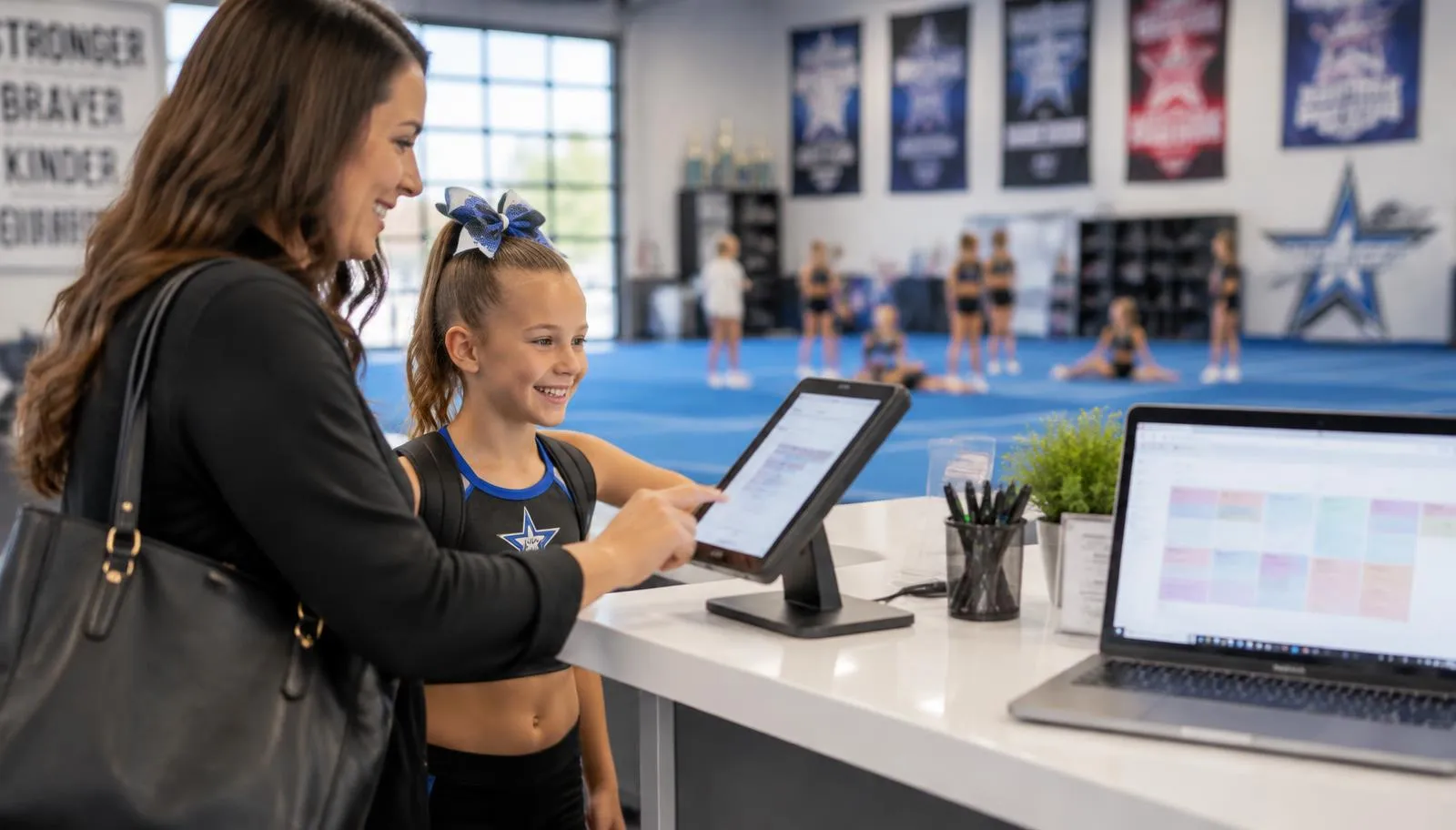
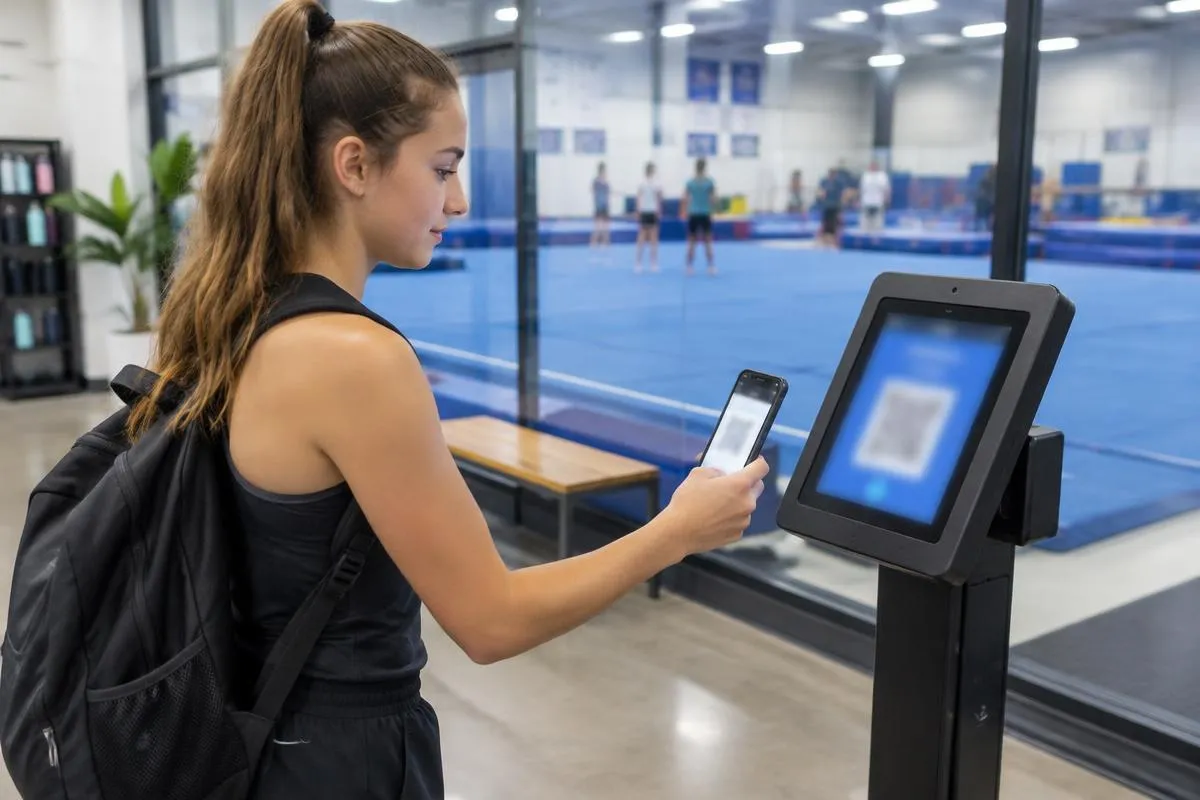
iClassPro offers a dedicated All Star cheer version of its class management software, covering rec classes, team practices, privates, open gyms and birthday parties. Families can book classes and events online, check in at a kiosk and manage their account from the iClassPro parent app.
For cheer gyms, the biggest draw is how much of the front desk it can take over. Attendance, skills and evaluations, waivers and a staff time clock all live in the same system, and iClassPro publishes resources aimed specifically at managing the All Star season.
Outbound text messages are billed separately (US texting runs $0.03 per credit), and a gym-branded app costs extra, so budget for both if parent communication is a priority.
Why It Works
Dedicated All Star cheer version.
Online class and event booking for families.
Attendance and check-in kiosk.
Skill tracking and athlete evaluations.
Digital waivers and a staff time clock.
Why it made the list It covers the widest range of day-to-day cheer gym tasks in one platform, from rec class enrollment to skill tracking, without forcing a gym to adapt fitness software.
Baseline
Baseline
Best for Multi-location All Star gyms that run tryouts and season payment plans
Starting Price: $0/month Base plan ($250 setup fee); Plus $99/month and Pro $199/month with a 12-month commitment
Parent App: Custom branded app add-on, $149/month on Plus and Pro
Built For: All Star cheer gyms and baseball and softball training facilities
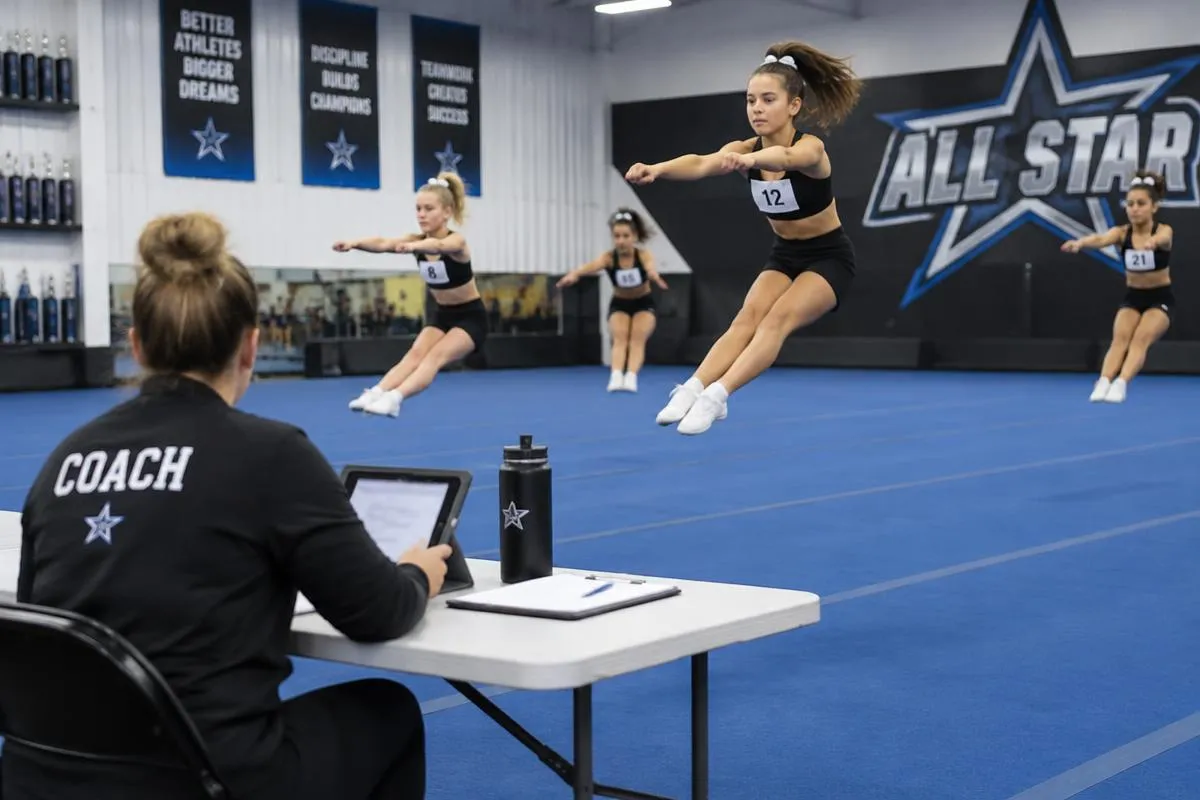
Baseline treats teams as teams instead of classes. Tryout evaluations feed a roster builder, families register for the team their athlete was placed on, and each team gets its own season, schedule and payment plan.
Private lessons, open gym and coach hours share one schedule, and gyms with more than one location can run everything from one login with one family record, routing each fee to the right bank account.
The Base plan is $0/month, but card processing runs 3.9% + $2.79 per payment (ACH is 1.8% + $2.49), higher than many competitors. Baseline says its processing revenue pays for dedicated account managers and onboarding. Run the numbers on a full season before signing.
Why It Works
Tryouts and evaluations feed team rosters.
Season contracts and payment plans by team.
Privates, open gym and coach hours on one schedule.
One login for every location.
$0/month starting plan.
Why it made the list Its team-first setup and tryout-to-roster workflow are built around how All Star seasons actually run, especially for gyms with several locations.
How to Choose the Best Gym Management Software for Your Cheer Gym
The best platform depends on how your gym makes money and where your staff spends the most time. Before booking demos, consider these questions:
How many athletes will be in the system? Some platforms charge by student or active member count, while others offer unlimited students. Estimate your roster, rec classes and camp families.
How do you bill competition fees? Look for scheduled invoices or payment plans for competition, uniform, choreography and travel costs, not just monthly tuition.
What do parents need? A parent app or portal that handles payments, schedules, waivers and messages cuts down on front desk questions.
Do you run tryouts and track skills? Evaluation and skill tracking tools help with placements and athlete progress.
What will it really cost? Ask about payment processing rates, texting fees, branded apps, extra locations and any platform or marketplace fees.
Tips for Switching Gym Software
The safest time to switch is usually between seasons, after Worlds and summer camps and before tryouts. Moving in the middle of competition season adds stress for families and staff.
Ask each company how it handles data migration, whether it can import families, athletes and payment methods, and how much training is included. Running a short overlap period, where staff test the new system before families are invited, helps catch problems early.
What About Event and Scoring Software?
Gym management software runs the day-to-day business of a gym. Competition registration, judging, scoring and livestreaming are usually handled by separate event platforms chosen by event producers. Cheer Daily took a closer look at that side of the industry in New Software for a New Era of Cheerleading.
The Bottom Line
For most All Star cheer gyms, iClassPro, Jackrabbit Cheer and Studio Pro are the safest places to start: they are established, offer dedicated cheer versions and handle rec classes, tuition and family accounts well. SportsEngine Motion suits gyms that want no monthly subscription, while CheerVue and Baseline go furthest on tryouts, team placements and season billing built around the All Star calendar.
Whichever platform you choose, book a demo, ask for a full written quote and talk to another cheer gym owner who already uses it.
Pricing, features and plans may change. Gyms should confirm current terms directly with each software company before signing up.
Follow Cheer Daily for the latest cheerleading news, competition coverage, results and resources for athletes, coaches, families and gym owners.